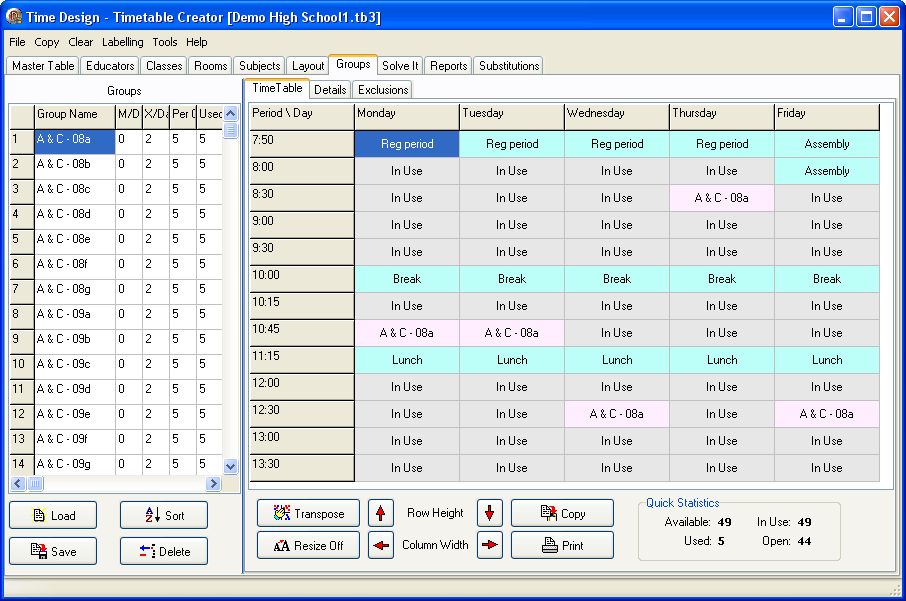
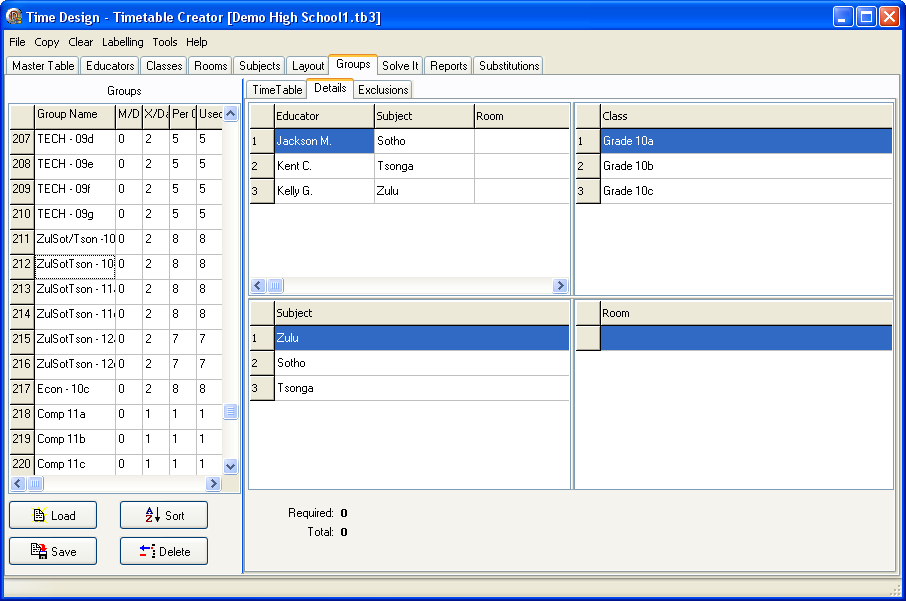
You could add groups here like the previous screens, and then populate it via the layout screen, but I think it's easier and quicker directly from the layouts screen. Instead, use this screen to verify the 'Minimum periods per day', the 'Maximum periods per day', and the 'Number of periods per cycle' values. The details section, will allow you to enter the Subject and room that the educator will use (select the educator, right click, and choose from the pop-up menu). Simplex groups will have the information filled in automatically.
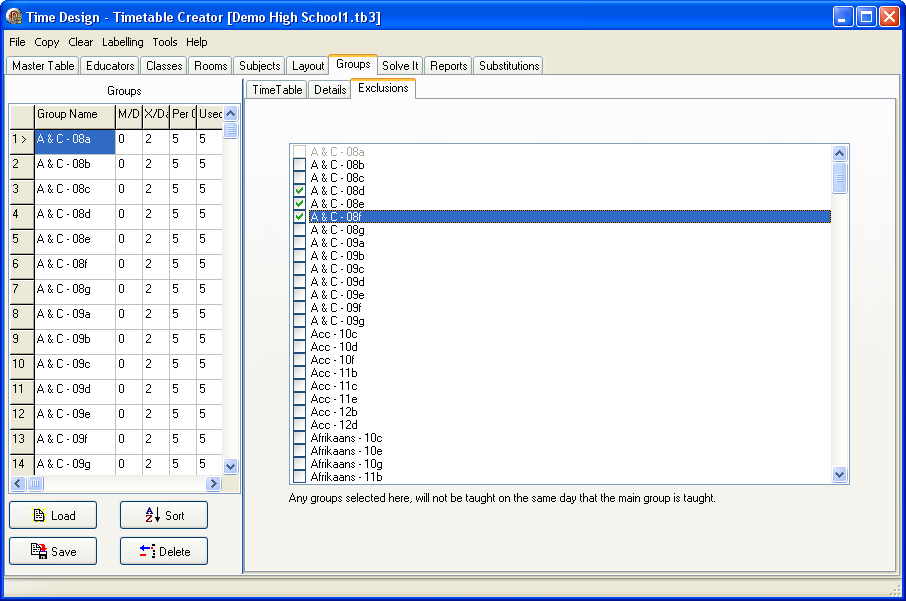
Group Exclusions allow you to select other groups that must not be taught on the same day as the currently selected group.