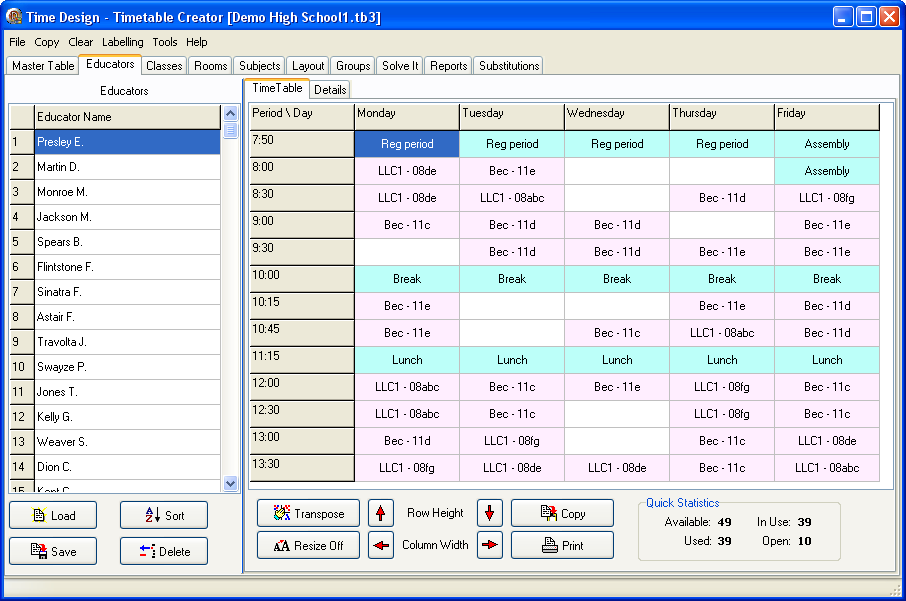
You would enter the Educator names in the column on the left side, as this is purely a timetable creator and not a database, I have not worried about first name, last name, telephone, etc.
Simply enter the names, as you would like to see them on the output. Ensure that each name is unique, as two Mr. E. Green's would be ambiguous as you enter more information.
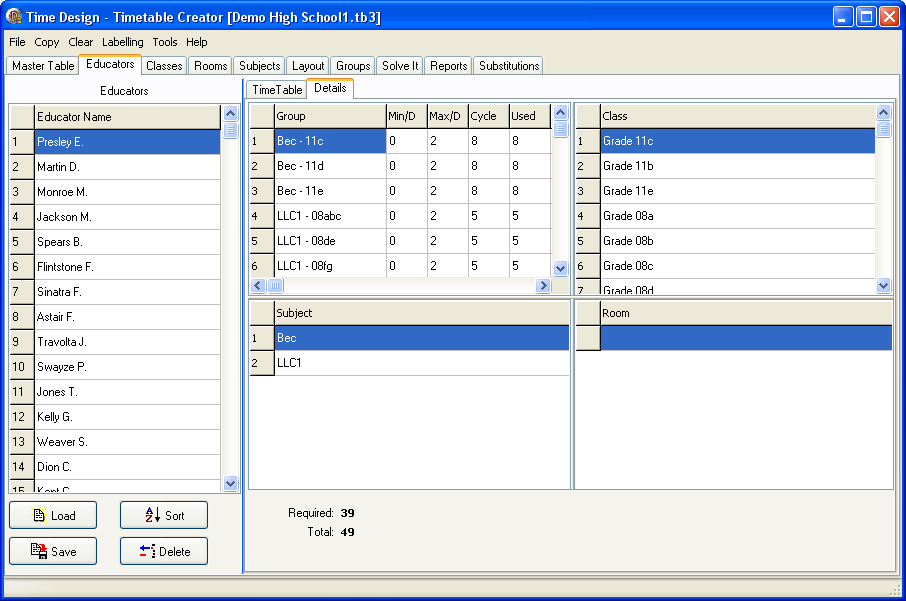
The Educator information shows to which groups the educator belongs and cannot be changed from this screen. Don't forget to save. Pressing the 'F2' key or clicking on the selected row will allow you to edit the name. Any potential conflicts would highlight the information on the right in yellow and tag the problem with an asterisk.