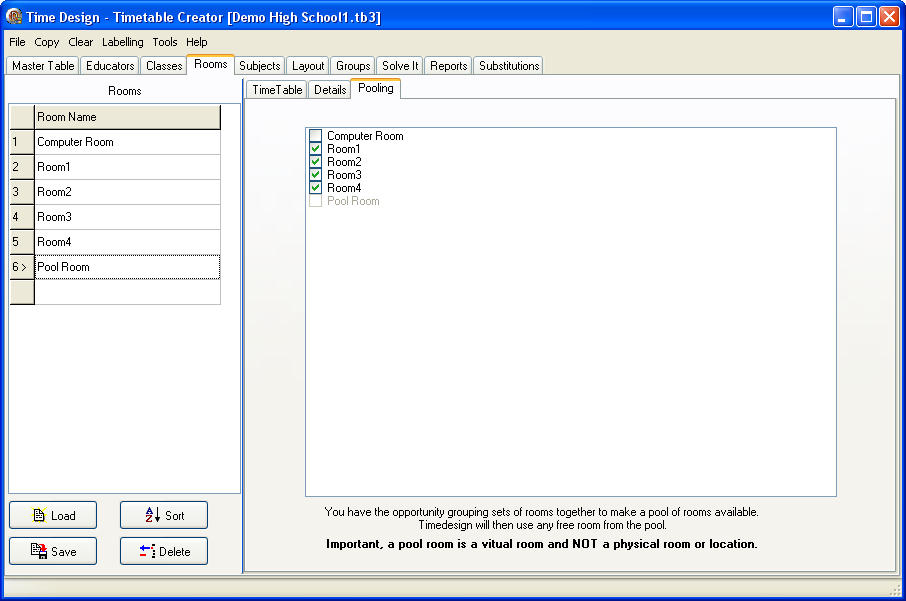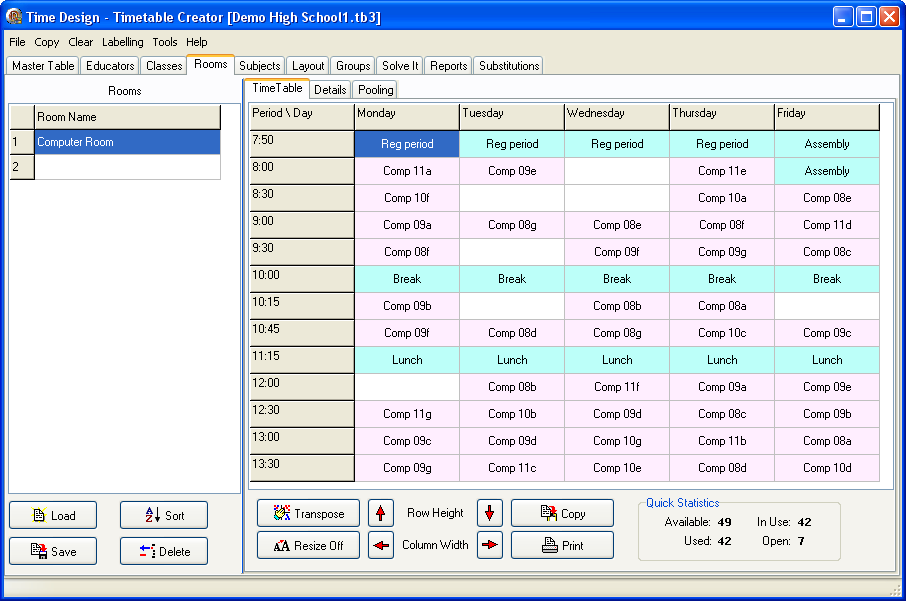
The Rooms screen also works the same as the Educators or Classes screen. We now capture the rooms and the capacity of the room. Don't forget to save. Any potential conflicts would highlight the information on the right in yellow and tag the problem with an asterisk.
You need only enter rooms that are shared by multiple educators. You could also use this to share other resources such as overhead projectors if need be.
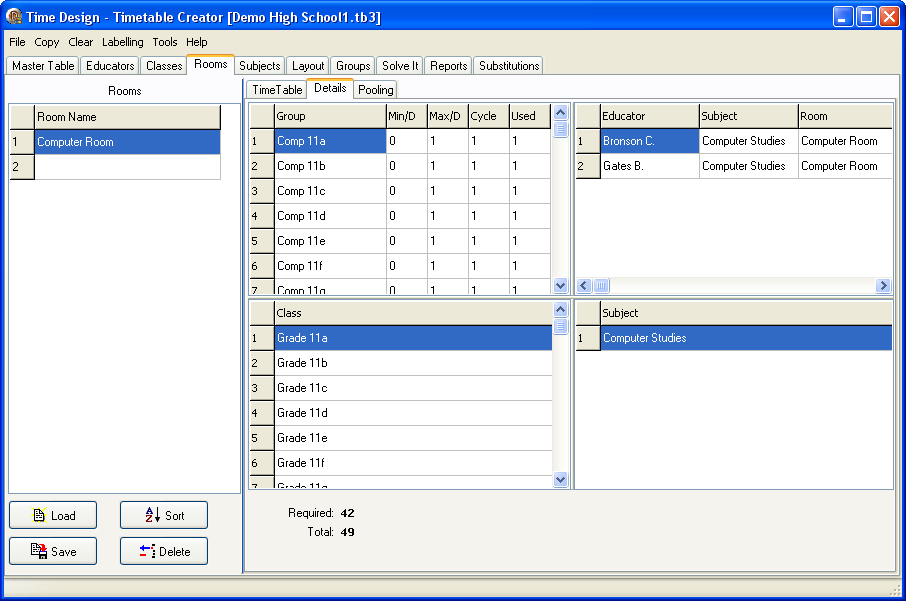
Room Pooling is a new feature added to TimeDesign 5. To use this feature, enter in all the rooms that would be pooled together. A virtual room, in this case 'Pool Room' is then entered, and the rooms that are to be pooled together are then checked. When creating Groups, the 'Pool Room' is then added to the Group.