You have the ability to swap any two periods around.
Simply double-click on the first period, TimeDesign will confirm that this is what you want to do, then double-click on the second period for the swap to take place. In this case, Crim -12a on Monday - 8:00 was selected.
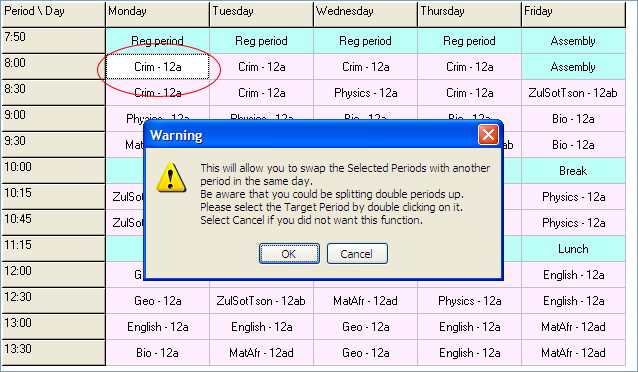
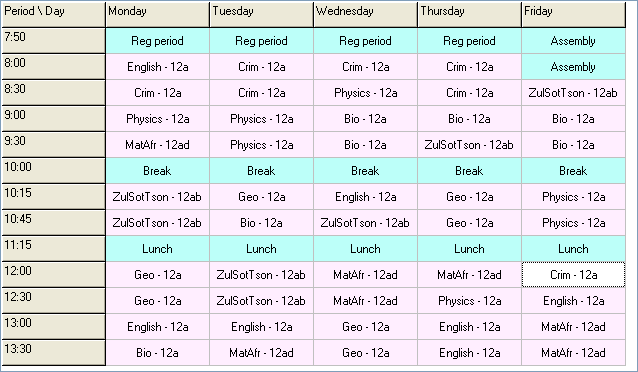
The Target Period selected was English - 12a on Friday - 12:00. TimeDesign will first scan through, and let you know if there are any miscellaneous, blocked, or manual periods that will be affected in both the source and the target periods. The Outcome produced is shown below.
Please bear in mind
Swapping periods within the same day will split any 'Doubles' that TimeDesign has created.
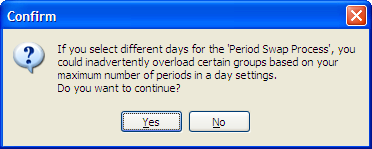
Swapping periods across days will also split any 'Doubles' that TimeDesign has created and possibly cause overloading of periods for that day, as well as possibly not honouring the 'Minimum per Day' requirements for certain groups.