I have tried to leave TimeDesign as flexible as possible without impeding on the functionality of the program. It is entirely up to you how complex or simple you would like them.
Most of the calls for support stem from the misunderstanding of the way the grouping is meant to take place in TimeDesign. I hope that this document will enlighten you and make your timetable planning easier.
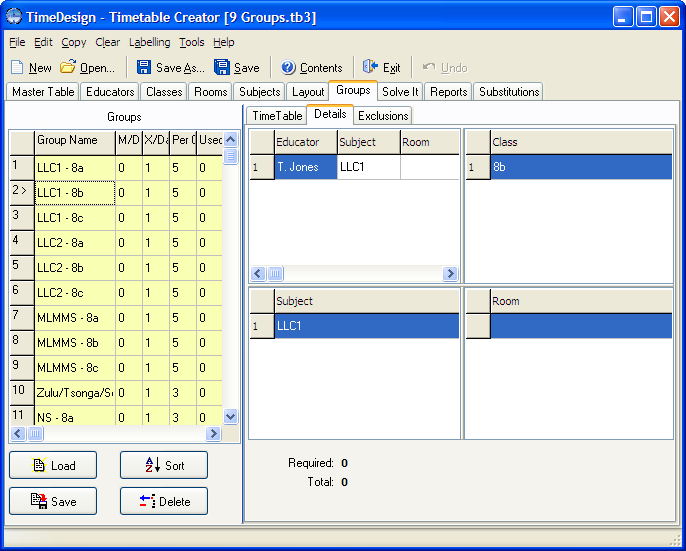
The above picture portrays a simple group, this is simple a class, 8b, being taught the subject LLC1, by T. Jones. They have 5 periods per cycle with a maximum of 1 period per day. As this is a 5 day cycle, we are implying that the program must force a single period each day.
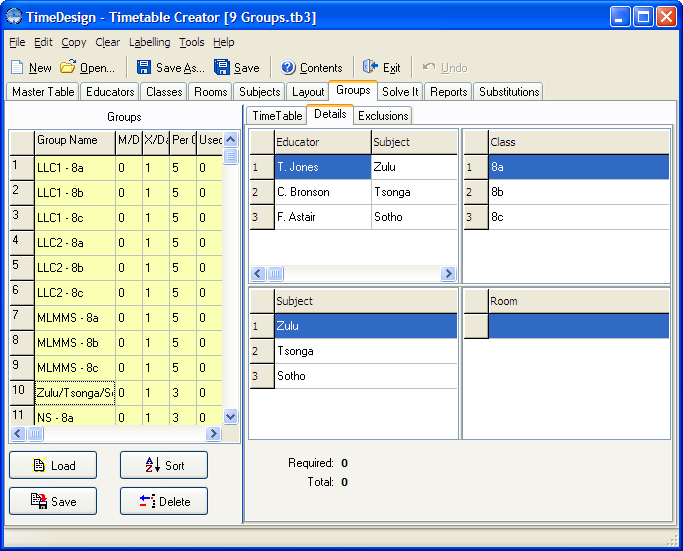
The next image, shows a complex group. Here, the 3 classes are split up into the students studying Zulu, Tsonga and Sotho respectively with the allocated educators. For this group to be placed, All 3 classes and all 3 educators must be available for those periods.
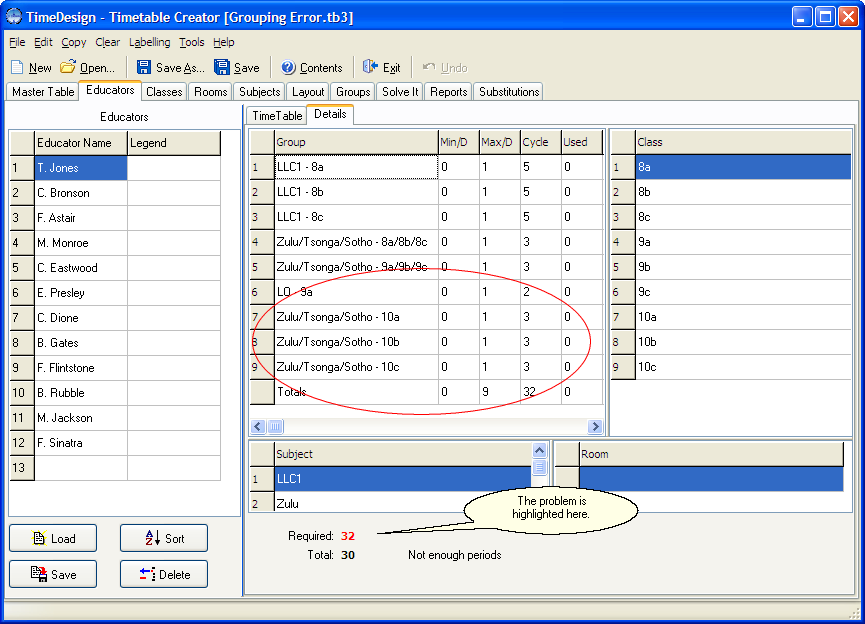
This image shows that T. Jones does not have enough periods in his cycle to teach everyone. On closer inspection, you will notice that 10a, 10b and 10c should actually have been combined into a single group. Correcting this on the Layout tab will resolve this problem.
A common mistake is the user thinking that TimeDesign will understand your requirements.
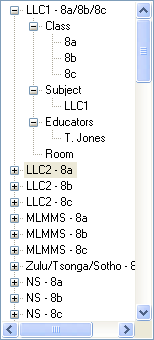
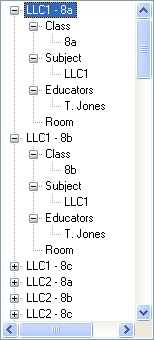
The layout on the left is incorrect. The user actually meant to tell TimeDesign that T.Jones gives LLC1 lessons to classes 8a, 8b, and 8c. The problem is that he gives the classes lessons individually not combined into a single class. The layout on the right shows the correct way to do this.
You are not limited to one class per educator, any possible combination can be created, thus if you in fact have a requirement where a single educator teaches all three classes simultaneously, you can configure it as such.